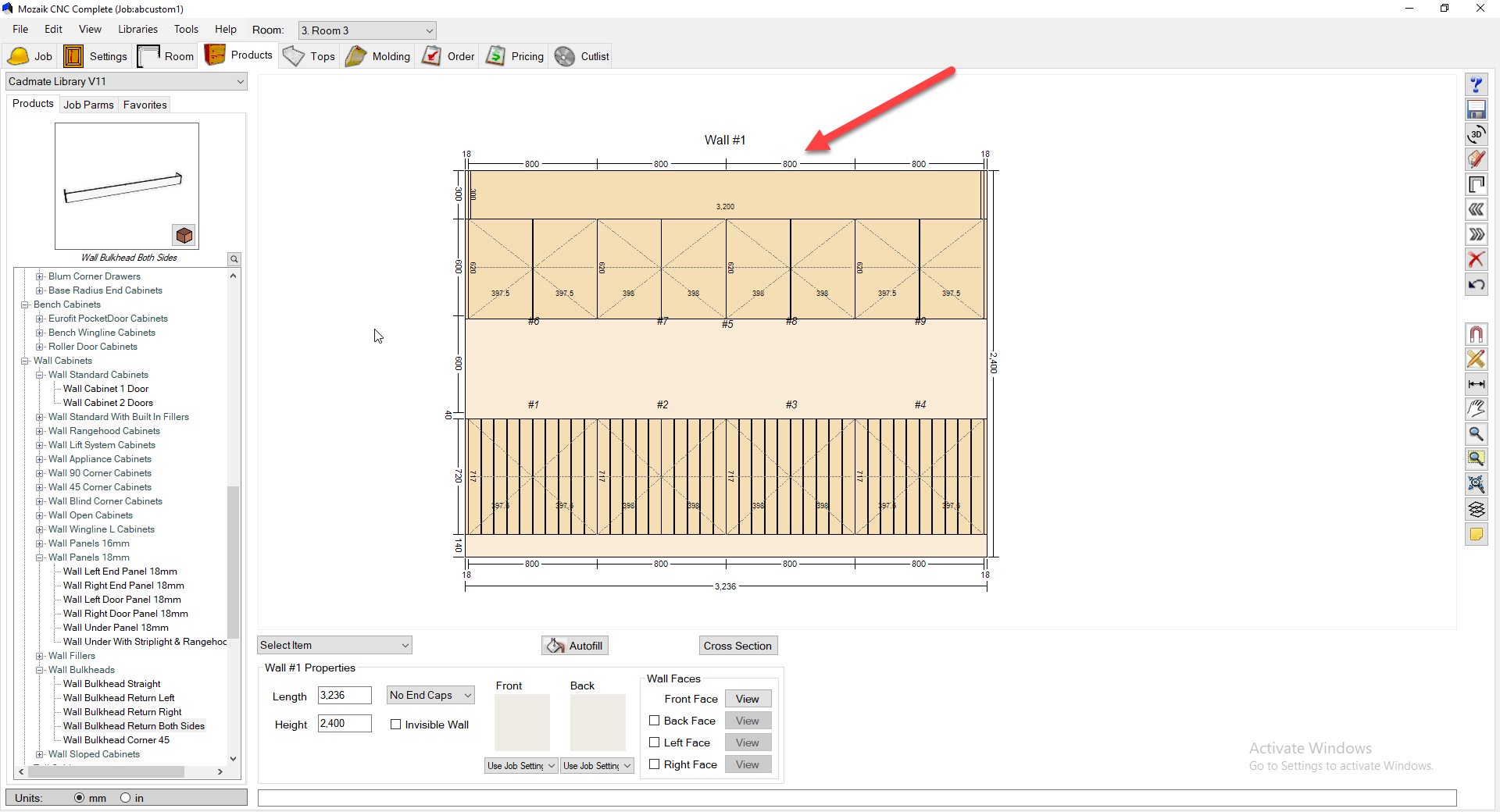
In this guide we are going to show you how turning off the Auto Dimensions in a Cabinet can import your overall auto dimensions in the plan and elevation view. Important to note this feature is only available in Version 11, if you want to update to Version 11 click here.
The below image is showing the elevation of cabinets. As you can see, the auto dimension for the wall cabinets is just display one long size. This is because I have an under panel and bulkhead at that size so it overrides the wall cabinet sizes.
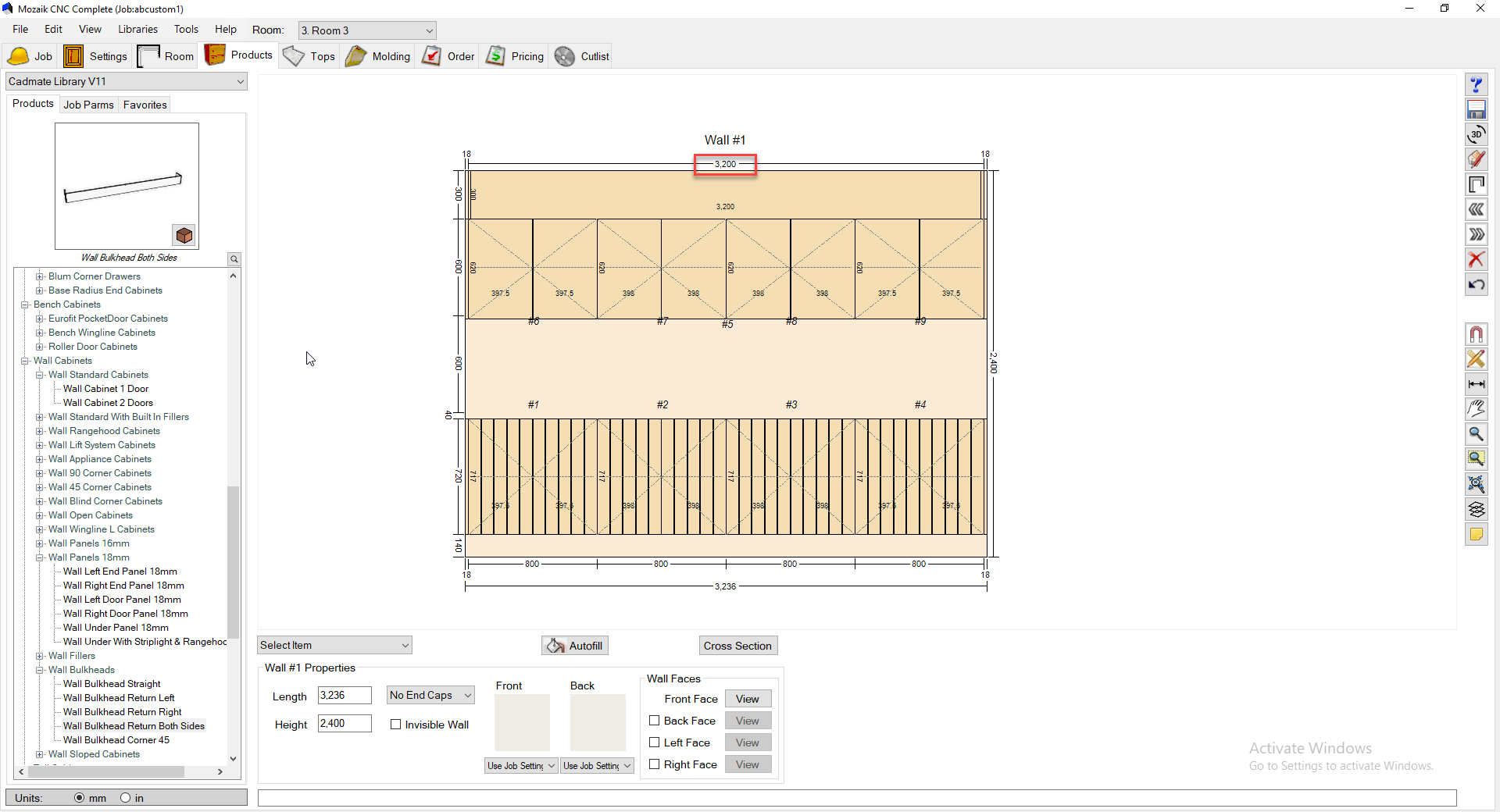
- I am now going to turn off the auto Dimensions for both the under panel and Bulkhead.
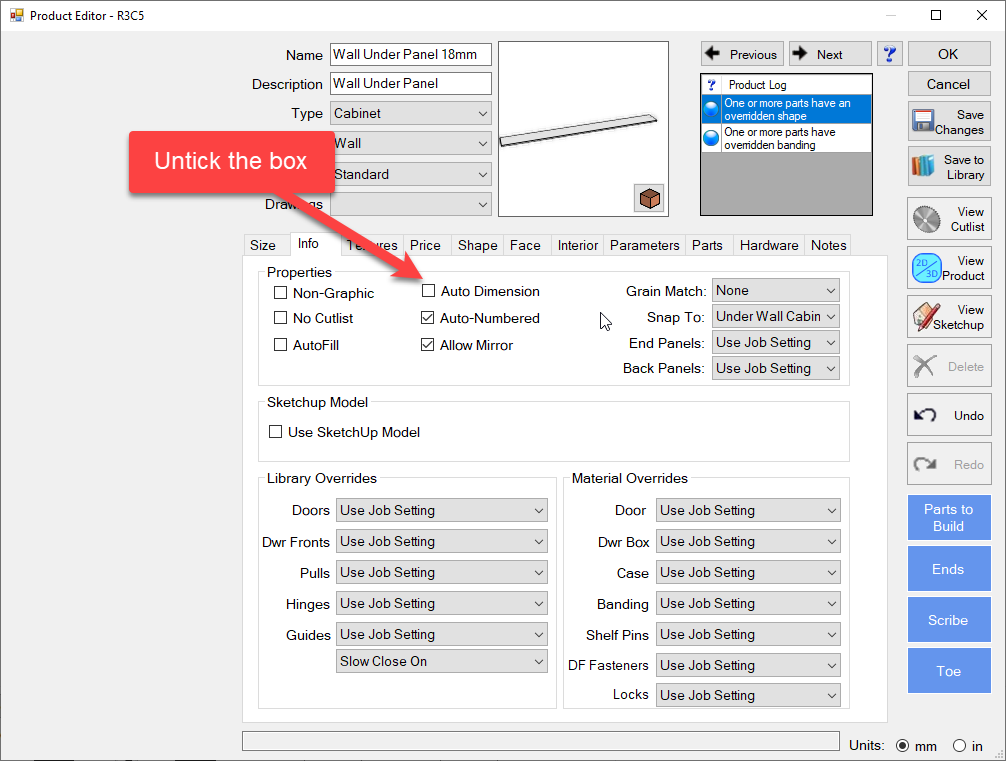
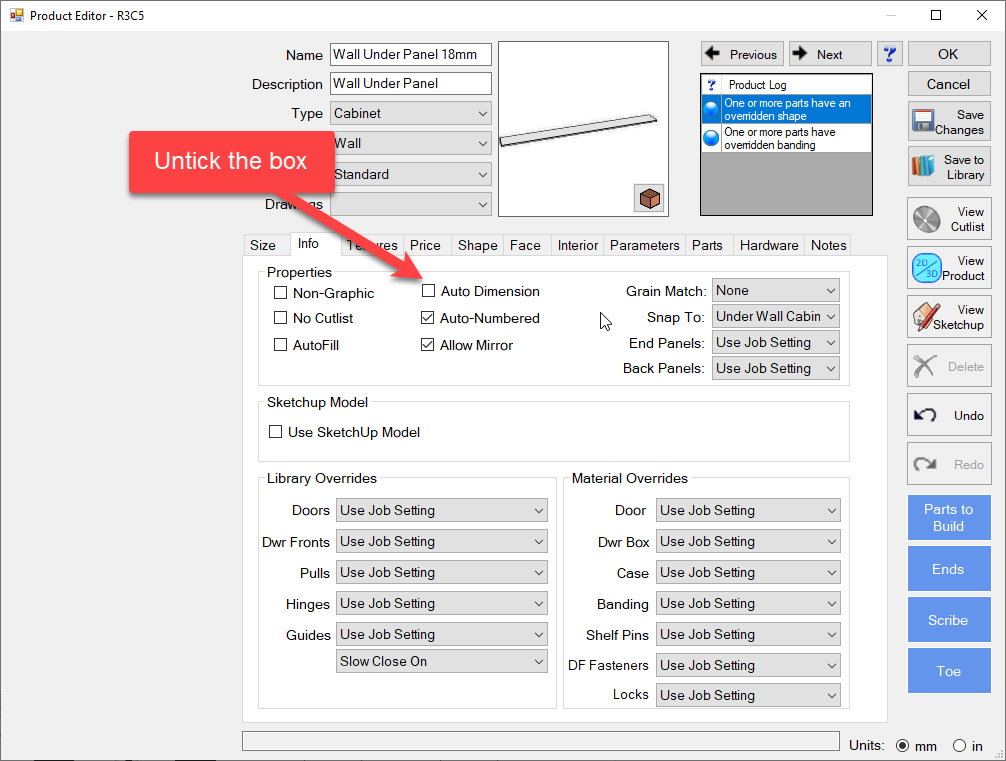
-
Now lets look at the same elevation again. As you can, see we can now see the sizes of the wall cabinets