
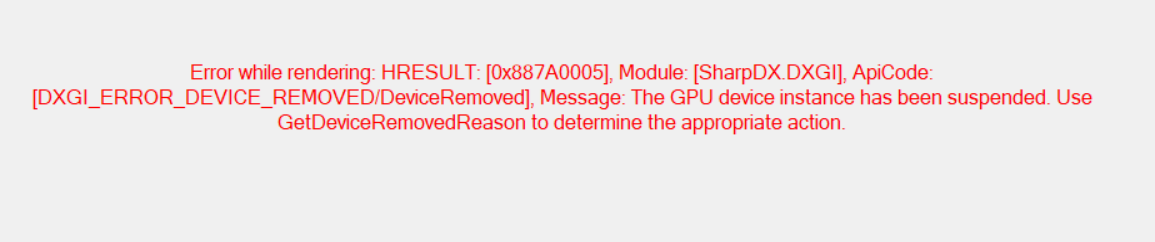
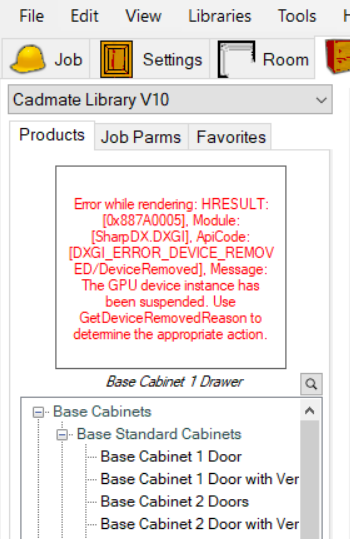
If you are seeing a red x or a SharpDX error message in Mozaik as shown in one of the images below and your computer has an NVIDIA graphics cards. Please follow the steps in this article to update your graphics card drive.
1. Click here to open the NVIDIA website to download the driver software
2. Click the Download Now button

3. Find the file in your downloads folder and double click on the file to start the installation.